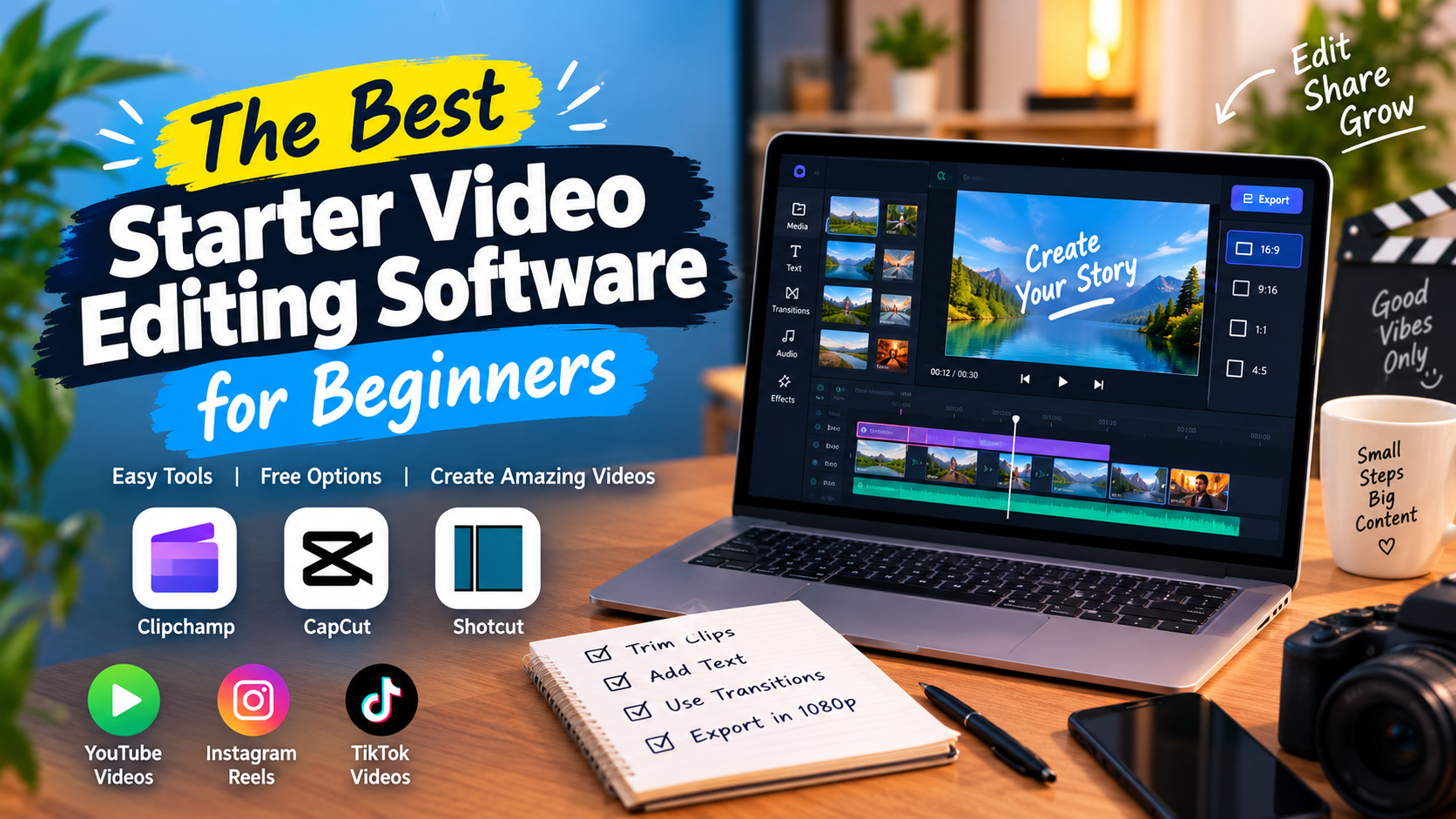
The Best Starter Video Editing Software for Beginners
Finding the best starter video editing software best starter video editing software can feel overwhelming when you are just beginning your content creation journey. Whether you want to post TikTok videos, edit Instagram Reels, or launch a YouTube channel, you do not need complex, expensive programs to create professional-looking content. Simple, reliable tools let you master the basics quickly without a steep learning curve.
The ideal beginner software balances ease of use with essential features. It should let you trim clips, add transitions, overlay text, and export clear, high-quality videos without technical confusion.
┌─────────────────────────────────────────────────────────┐
│ Beginner Editing Essentials │
├───────────────────┬───────────────────┬─────────────────┤
│ Import Media │ Timeline Edits │ Export & Share │
│ (Videos/Images) │ (Trim/Text/Audio) │ (1080p / MP4) │
└───────────────────┴───────────────────┴─────────────────┘
What Makes the Best Starter Video Editing Software?
When choosing your first editor, look for a visual interface that makes sense immediately. Software designed for beginners usually features a simple drag-and-drop timeline. This allows you to arrange video clips, slice away mistakes, and align audio tracks effortlessly.
Essential capabilities to look for include:
- Basic Timeline Editing: Easy tools to trim, split, and merge clips.
- Text and Title Overlays: Pre-made text styles for captions, headers, and social media tags.
- Audio Tools: Simple controls to add background music, adjust volume, and fade sound in or out.
- Export Options: Quick presets for 1080p resolution and popular aspect ratios like 16:9 for YouTube and 9:16 for vertical shorts.
Top Recommended Editors for Beginners
Different platforms cater to different editing preferences and hardware setups. Here are the top beginner-friendly options available today.
1. Clipchamp (Best for Web & Windows)
Clipchamp is an excellent choice for creators who prefer editing directly in their web browser or on a Windows PC. It provides a clean timeline layout, pre-built templates, and access to stock assets.
- Key Advantage: Free 1080p exports without watermarks.
- Best Use: Quick social media edits and basic YouTube videos.
2. CapCut (Best for Social Media Creators)
CapCut has become a standard choice for vertical video creation. Available on desktop, mobile, and web, it excels at automated editing features.
- Key Advantage: Built-in auto-captions, trending video effects, and one-click background removal.
- Best Use: Fast-paced TikToks, Instagram Reels, and YouTube Shorts.
3. Shotcut (Best for Offline, Open-Source Editing)
If you want a traditional desktop experience without subscription fees or watermarks, Shotcut is a reliable open-source option. While its interface looks more traditional, it runs well on Windows, Mac, and Linux.
- Key Advantage: Fully open-source with multi-track timeline support and no hidden paywalls.
- Best Use: Longer projects and offline editing on standard laptops.
Comparison of Beginner Video Editing Tools
How to Choose the Right Software for Your Setup
To select the best starter video editing software for your specific needs, evaluate your device performance and goals:
- Check Your Computer Hardware: Web-based editors like Clipchamp work well on lightweight computers, including Chromebooks. Installed programs like Shotcut benefit from more local system memory.
- Identify Your Platform: If you primarily make short-form content, choose software with native vertical aspect ratio presets (9:16) and direct social sharing.
- Keep Your Workflow Simple: Start with basic cuts and clean transitions. As your comfort grows, you can gradually explore advanced features like keyframe animation or color grading.
Conclusion
Starting your video editing journey does not require costly software or complicated training. Tools like Clipchamp, CapCut, and Shotcut provide all the necessary features to produce engaging, high-quality videos right away. Choose an editor that matches your device and workflow, practice the fundamentals of cutting and audio balance, and start publishing your content.
Frequently Asked Questions
What is the easiest video editing software for a complete beginner?
Clipchamp and CapCut are widely considered the easiest tools for beginners due to their intuitive drag-and-drop interfaces, built-in templates, and automated features.
Can I edit videos for free without a watermark?
Yes. Editors like Clipchamp, CapCut Web, and Shotcut allow you to export high-definition videos completely free without adding a watermark to your finished project.
Do I need a powerful computer to edit basic videos?
No. Web-based video editors process media through your browser or the cloud, allowing you to edit smooth 1080p videos on standard laptops and budget Chromebooks.
What resolution should I export my videos in?
For most social media platforms and YouTube, exporting in 1080p resolution (Full HD) in MP4 format offers the ideal balance of crisp visual quality and manageable file size.